Connecting to RDS
Owned by Osnat ashush
Last updated: Sep 11, 2024
3 min read
Prerequisites
Before you begin, ensure you have the following:
- A running Teleport cluster (version 16.4.2 or above)
- The
tctladmin tool andtshclient tool installed- Visit the Teleport Installation guide for instructions on downloading
tctlandtsh
- Visit the Teleport Installation guide for instructions on downloading
- Username with the ability to access the RDS (In this example the user called
teleport-user) - Teleport end-point, (In this example the end-point is
teleport-end-point)
Step-by-Step Guide
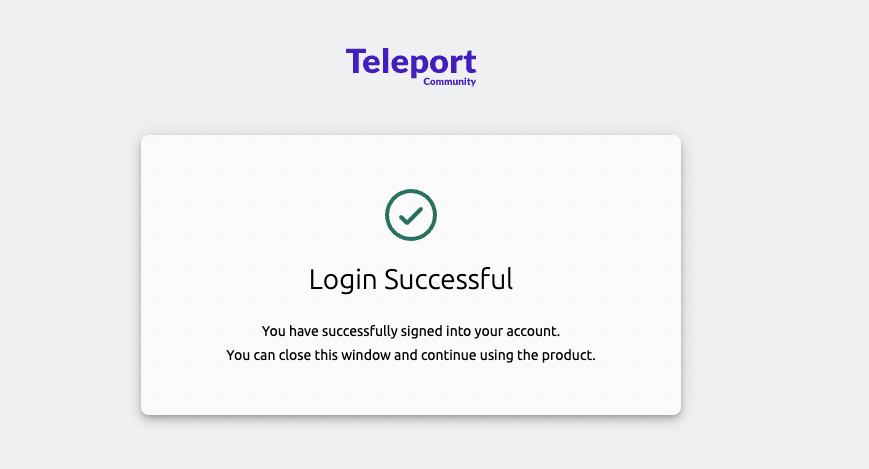
1. Log in to your Teleport cluster
Open your terminal and run the following command:
tsh login --proxy=teleport-end-point:443 --user=teleport-user
Replace teleport-end-point with your actual Teleport endpoint and teleport-user with your Teleport username.
2. List available databases
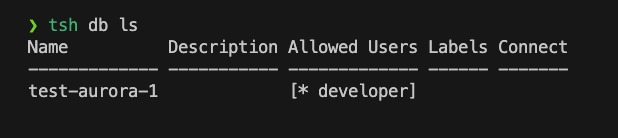
After successfully logging in, you can list the available databases using the following command:
tsh db ls
This command will display a list of databases you have access to through Teleport.
3. Connect to your RDS instance
To connect to a specific RDS instance, use the following command:
tsh db connect <database-name>
Replace <database-name> with the name of the RDS instance you want to connect to.
Troubleshooting
If you encounter any issues while connecting to your RDS instance, try the following:
- Ensure your Teleport cluster is running and accessible
- Verify that you have the necessary permissions to access the database
- Check your network connection and firewall settings
For more detailed troubleshooting steps, refer to the Teleport Documentation.